
By 2025, most people spend more than seven hours a day looking at screens. Whether you’re coding, scrolling, or video calling, your eyes are working harder than ever. And if you’re getting headaches, blurry vision, or dry, gritty eyes by mid-afternoon, you’re not just tired-you might have computer vision syndrome. It’s not a myth. It’s not just "your eyes are tired." It’s a real, measurable condition affecting up to 90% of people who use digital devices for more than two hours straight. The good news? You can stop it. And you don’t need expensive gear or drastic changes to feel better.
What Exactly Is Computer Vision Syndrome?
Computer vision syndrome (CVS), also called digital eye strain, happens when your eyes get overwhelmed by prolonged screen use. It’s not one single problem-it’s a mix of physical stressors that add up. Your eyes are designed to focus on things far away, not stare at glowing pixels inches from your face for hours. When you do, your ciliary muscles (the ones that adjust your lens) stay locked in tension. Your blink rate drops by two-thirds-from 15 times a minute to just 5. That means your tear film evaporates faster, leaving your eyes dry and irritated.
Screen contrast is another issue. Text on a screen isn’t as sharp as ink on paper. Glare from overhead lights or windows makes it worse. And if your monitor is too high, too low, or too far away, your neck and eyes start working overtime. The result? Symptoms like headaches (reported by 44% of users), blurred vision (39%), dry eyes (32%), and neck or shoulder pain (28%). These aren’t "just discomforts." They cut productivity by up to 20% and make work feel exhausting.
Why Your Eyes Struggle More Than Ever
Screen time has doubled since 2013. Today, the average person spends nearly seven hours a day looking at digital displays. Remote work, online learning, and constant notifications mean your eyes rarely get a break. But it’s not just the time-it’s how you use screens.
Most people sit too close. The ideal distance? 20 to 28 inches (50-70 cm). Too close forces your eyes to focus harder. Too far makes you lean forward or squint. Screen height matters too. The top of your monitor should be at or slightly below eye level. If it’s higher, you’re constantly looking up-straining your neck and forcing your eyelids to open wider, which dries out your eyes faster.
Lighting is often the silent culprit. Bright overhead lights or sunlight reflecting off your screen cut contrast by up to half. Your eyes have to work twice as hard to read text. And if you’re using your phone or laptop in a dark room? That’s even worse. The sudden contrast between a bright screen and dark surroundings triggers pupil spasms and increases glare sensitivity.
And then there’s vision problems you might not know you have. Many people with CVS have uncorrected astigmatism, presbyopia (age-related farsightedness), or mild nearsightedness. A 2022 NIH study found 70% of CVS cases involve vision issues that could be fixed with a proper computer-specific prescription. If you wear glasses but still get eye strain, your lenses might not be optimized for screen distance.
The 20-20-20 Rule: The Simplest Fix That Actually Works
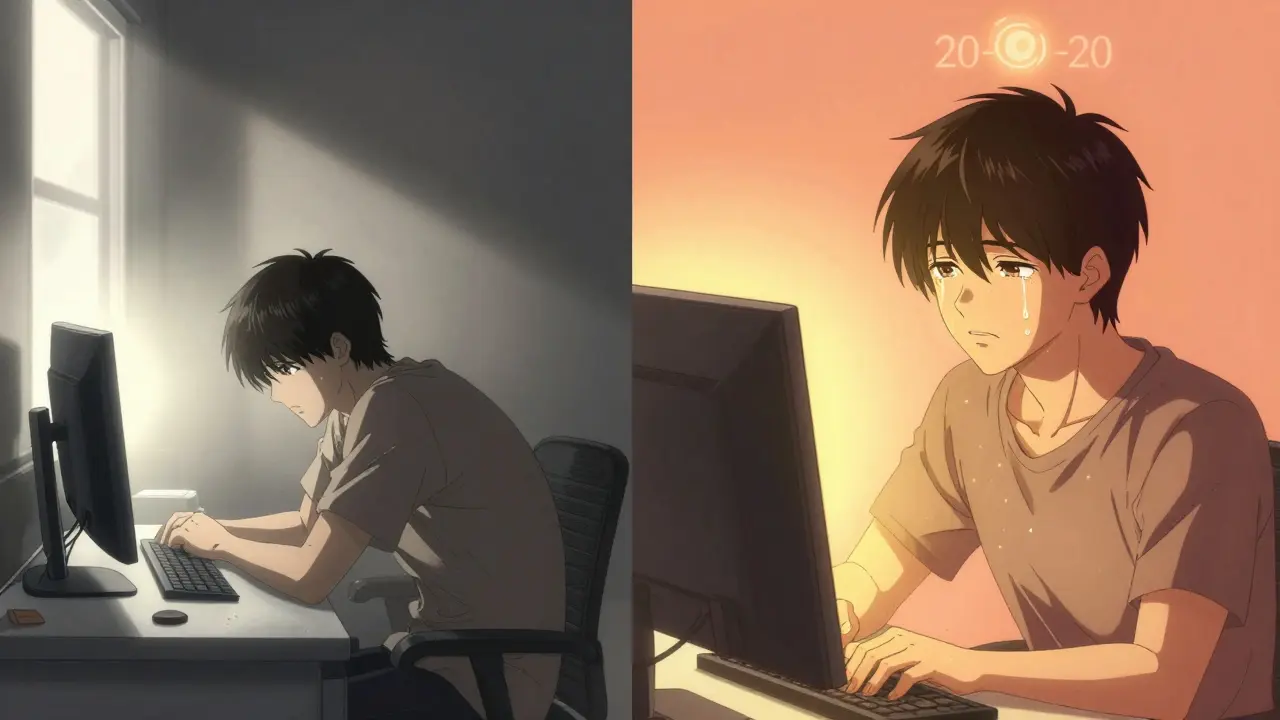
There’s one trick that eye doctors agree on: the 20-20-20 rule. Every 20 minutes, look at something 20 feet away for 20 seconds. Sounds too easy? It is-and that’s why it works.
Studies from the American Optometric Association show this simple habit reduces eye strain symptoms by 53%. Why? Because it gives your ciliary muscles a chance to relax. When you look far away, your eyes shift from near-focus mode to distance-focus mode. This resets the tension built up from staring at your screen.
You don’t need an app to remember. But if you forget (and most people do), try free tools like EyeLeo or Time Out (available for Mac and Windows). Set them to remind you every 20 minutes. In just three weeks, users report a dramatic drop in headaches. One software developer on Trustpilot said his daily headaches went from five days a week to just one after using the timer.
And you don’t have to stare out a window. Any distant object works-a tree outside, a poster on the wall, even the ceiling if nothing’s visible. The point is to break the near-focus cycle.
Screen Position and Lighting: Fix Your Setup in 20 Minutes
Your workspace setup is more important than any pair of glasses. Start with three quick fixes:
- Height: Adjust your monitor so the top of the screen is at or just below eye level. This lets you look slightly down-your eyelids naturally cover more of your eye, reducing tear evaporation.
- Distance: Use a tape measure. Sit back until your arm’s length (about 20 inches) reaches the screen. Don’t guess-measure.
- Lighting: Turn off bright overhead lights. Use a desk lamp with a warm bulb (300-500 lux) positioned to the side, not behind you. If you have windows, close blinds during peak sunlight. Use the “Night Light” feature on your device to reduce blue light after sunset.
These changes alone can cut eye fatigue by 40% and neck pain by 30%, according to ergonomic studies from Spindel Eye Associates. One graphic designer reported her chronic neck pain vanished within 10 days of lowering her monitor. She didn’t change anything else.
Blue Light Glasses: Helpful or Hype?
Blue light glasses are everywhere. Ads promise they’ll "protect your eyes," "improve sleep," and "eliminate eye strain." But here’s the truth: they’re not a magic fix.
Some studies show they help a little-reducing eye strain by about 28% in people who already have dry eyes. But the American Academy of Ophthalmology says there’s no strong evidence blue light from screens damages your eyes. In double-blind trials, blue light glasses provided only 15% more relief than regular clear lenses.
So why do so many people swear by them? For some, it’s placebo. For others, it’s the tint. Many blue light glasses have a slight yellow tint that improves contrast on screens, making text easier to read. That’s helpful-but you can get the same effect by lowering your screen brightness to match your room’s lighting.
Don’t spend $100+ on them unless you’ve tried the basics first. If you’re still struggling after adjusting your setup and using the 20-20-20 rule, then try them. But don’t expect miracles. And avoid ones with strong purple or orange tints-they distort colors and make design work harder.
Dry Eyes? Try This Before Buying Drops
Dry eyes are one of the most common CVS symptoms. You feel grit, burning, or watery eyes-even though your eyes are dry. That’s because your blink rate drops so much, your tear film doesn’t spread properly.
Before reaching for eye drops, try this: consciously blink. Every 4-5 seconds, close your eyes fully. Don’t just flutter-squeeze gently and hold for a second. Repeat 10 times every hour. This simple habit, recommended by ophthalmologist Dr. Reena Garg, can improve tear film stability by 40%.
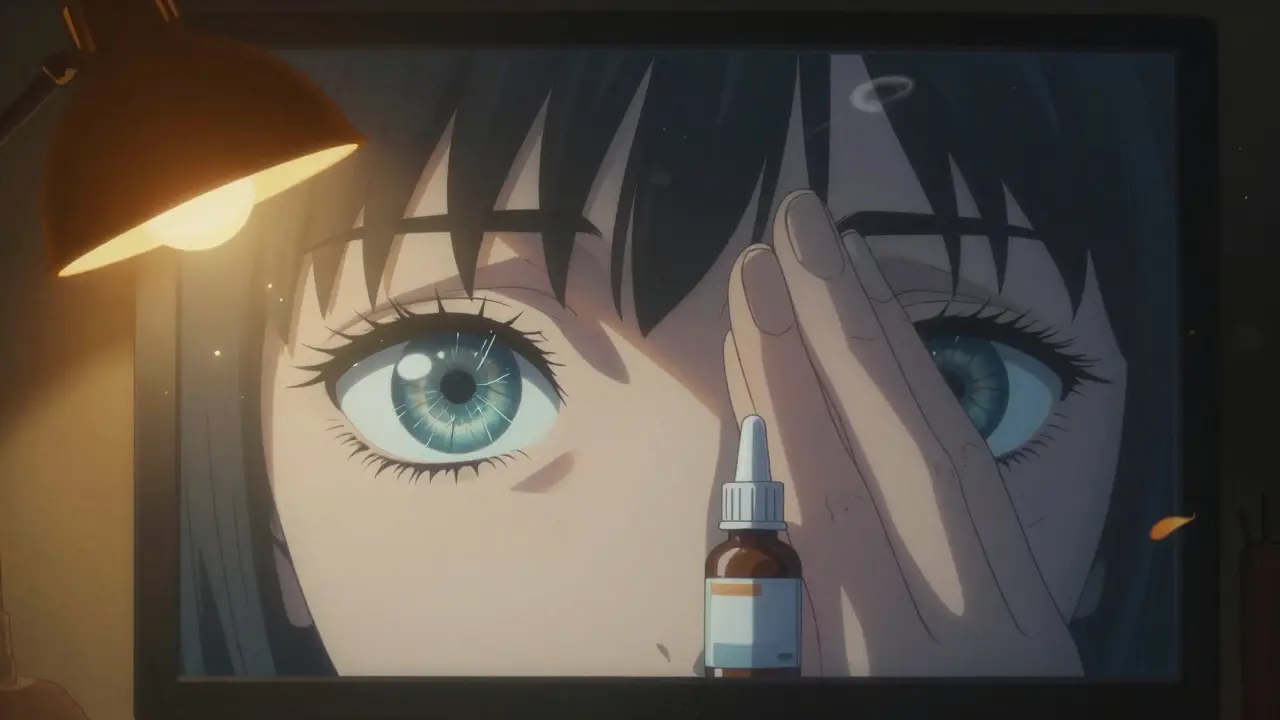
If you still need drops, use preservative-free artificial tears. They’re gentler on your eyes and can be used 2-4 times a day. Studies show 78% of users see improvement within a week. Avoid drops with redness relievers-they constrict blood vessels and can make dryness worse over time.
In March 2023, the FDA approved the first prescription eye drop-EYSUVIS 0.25%-specifically for dry eye caused by screen use. But it’s not for everyone. Talk to your eye doctor if symptoms persist despite trying these steps.
Get a Computer-Specific Eye Exam
If you’ve tried everything and still feel strained, it’s time for a professional eye exam. But not just any exam-ask for a computer vision assessment.
Most standard eye tests check for distance vision or reading vision. But computer screens are in between. Your prescription might need to be different for screen use. Many people with CVS have a small uncorrected astigmatism or mild presbyopia that’s ignored during routine exams.
The American Optometric Association recommends a full eye exam every 12 months for regular computer users. In 2023, they updated their guidelines to stress this point: 70% of CVS cases are linked to uncorrected vision problems. Fixing that alone can eliminate symptoms.
Ask your optometrist to test your vision at 20-28 inches. Request anti-reflective coating on your lenses. If you’re over 40, discuss bifocal or progressive lenses designed for screen distance-not reading distance.
What Works Best? The Real Numbers
There’s no single solution. But combining a few habits makes a huge difference.
Cleveland Clinic tracked 2,145 people with CVS. Those who used just one method-like blue light glasses or eye drops-saw 52% symptom improvement. But those who combined four things: the 20-20-20 rule, proper screen height, lighting adjustments, and computer-specific glasses-saw 89% improvement.
NIH research in 2022 confirmed this. The group using all four strategies reduced symptoms by 62.3% compared to those who did nothing. The biggest wins came from ergonomic fixes and blink training-not expensive gadgets.
Here’s your action plan:
- Measure your screen distance and adjust height today.
- Set a timer for 20-20-20 breaks-use a free app if needed.
- Blink fully every 5 seconds for 10 reps, twice an hour.
- Use warm, indirect lighting. Avoid glare.
- Get an eye exam focused on computer use.
It doesn’t take hours. It takes consistency. And the payoff? Clearer vision, fewer headaches, and less fatigue by the end of the day.
What’s Changing in 2025?
Screen time isn’t going down. By 2025, 75% of digital users will experience CVS, according to the AOA. But technology is catching up.
Monitors from Dell and ASUS now include flicker-free tech and auto-brightness that adjusts to room light. Apple’s macOS and Windows 11 have smarter screen time tools. The FDA approved a new prescription eye drop for screen-related dryness. And 68% of Fortune 500 companies now include CVS prevention in workplace wellness programs.
Eye health professionals say CVS prevention is becoming as essential as brushing your teeth. You wouldn’t skip dental care because you’re busy. Don’t skip eye care either. Your eyes are working harder than ever. Give them the break they need.
Is computer vision syndrome permanent?
No, computer vision syndrome is not permanent. It’s a temporary condition caused by prolonged screen use. Symptoms like eye strain, dryness, and headaches usually go away with rest, proper ergonomics, and following prevention habits like the 20-20-20 rule. If symptoms persist despite changes, it may indicate an underlying vision problem that needs correction with a prescription.
Do blue light glasses really help with eye strain?
Blue light glasses offer limited benefit for most people. Studies show they reduce symptoms by only 15% more than clear lenses in controlled trials. Their main advantage is improved contrast from a slight yellow tint, not blue light blocking. If you’re still having issues after adjusting lighting, screen distance, and blinking habits, they might help-but they’re not a solution on their own.
How often should I get an eye exam if I use screens all day?
If you use digital screens for more than two hours daily, get a comprehensive eye exam every 12 months. Ask specifically for a computer vision assessment. Many people with CVS have uncorrected vision issues like mild astigmatism or presbyopia that standard exams miss. A tailored prescription for screen distance can make a huge difference.
Can screen brightness cause eye strain?
Yes. Screens that are too bright for the room create glare and force your eyes to work harder. Set brightness to match your surroundings-around 50-70% of maximum. In dim rooms, lower it further. Use your device’s Night Light or Dark Mode to reduce contrast at night. Avoid using bright screens in complete darkness.
What’s the best way to reduce dry eyes from screen use?
The best way is to blink fully and regularly. People blink 66% less while staring at screens. Make a habit of closing your eyes completely for a second every 4-5 seconds. Use preservative-free artificial tears 2-4 times a day if needed. Avoid drops with redness relievers. Also, position your screen lower so your eyelids cover more of your eye surface, reducing tear evaporation.



Thomas Anderson
December 15, 2025 at 18:26
Just started using the 20-20-20 rule last week. I set a timer on my phone and honestly? My headaches are gone. I used to think it was just stress, but turns out my eyes were screaming for a break. No fancy glasses, no apps-just looking out the window for 20 seconds every 20 minutes. Game changer.